
Medical Mnemonic & Notes Maker1.6 - App Store
You'll be able to see results in few seconds.
Publisher Description
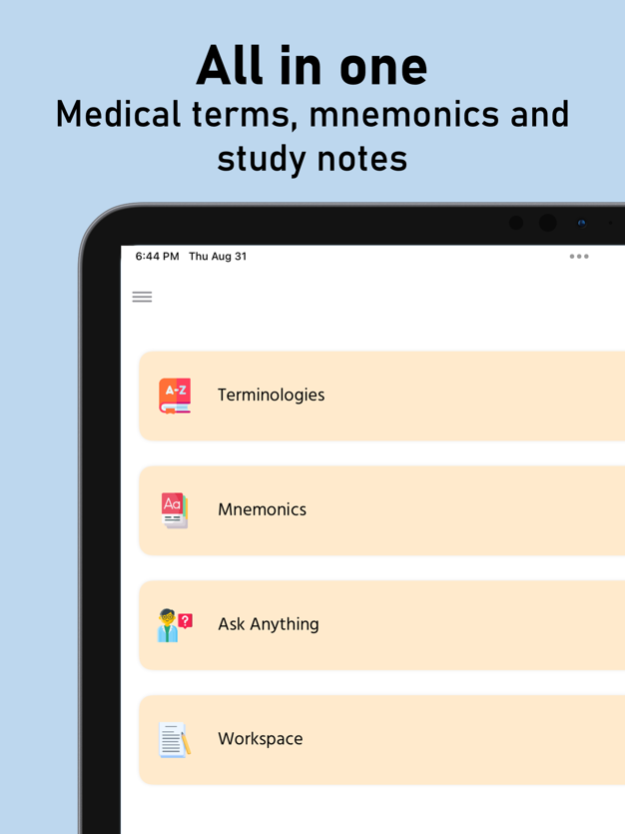

Want a perfect app for your medical study preparation? No worries, Medy - the one stop medical study notes making app is here.
It is the perfect study and exam notes maker that can help you visualize and remember your study topics in a better way. How?
Medy is the all in one medical study app for students:
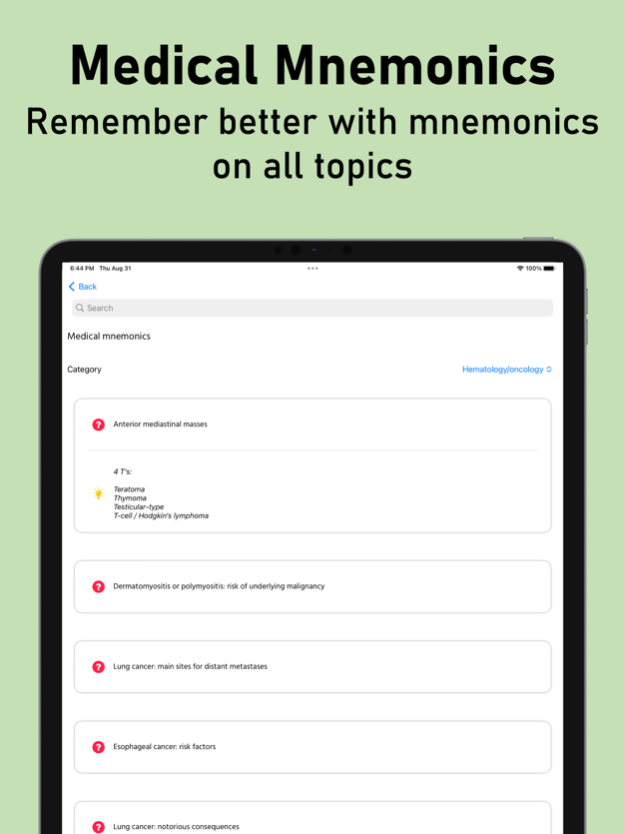
** Huge collection of medical terminologies and mnemonics to remember and prepare for exams. Search and read terms and mnemonics from all the medical topics. If you don't find it the list, don't worry, ask your in-app AI study buddy who can answer all your questions anytime and anywhere you need.
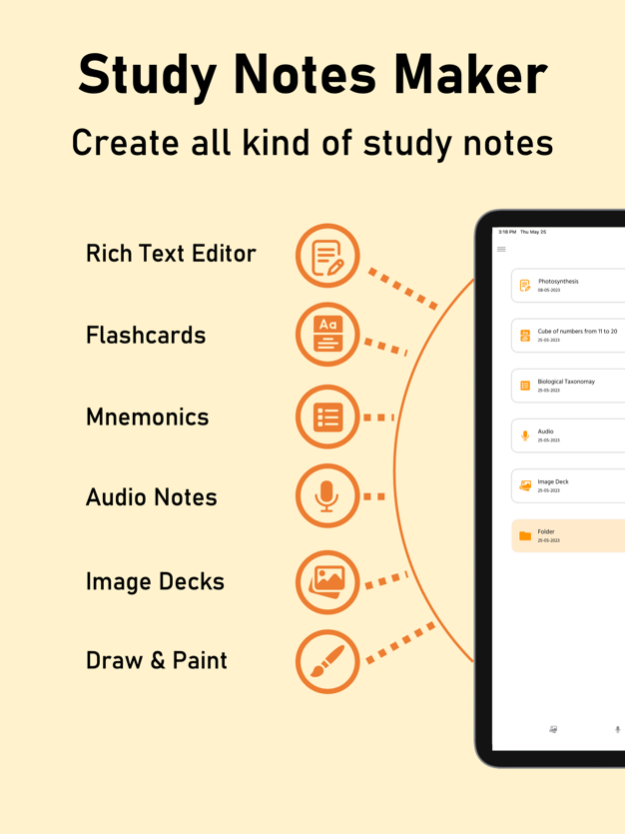
** It has easy to use rich text editor which can help you create your study and exam notes the way you want. Who says study or exam notes have to be messy. Use varieties of beautiful backgrounds, add images, draw diagrams and much more to make your notes beautiful and attractive so that it easy to remember and understand it.
**Are you facing difficulties in any topic and need help. We got this for you! Just write name of the topic and we will generate a study note for you which you can save in your own style. Whatever question you have, wherever you have and whenever you have, just ask and get answer in seconds.
** Having a hard time memorizing something, no worries, it happens to us all. With this exam notes maker app you can create easy flashcards to remember all these stuff. Or you can ask AI to create it for you on tap of a button.
** Create as many mnemonics as you want with our mnemonic maker. The mnemonic maker can help you create the keywords which will help you remember the stuff better. If you are not good with making mnemonics, don't worry, you can get a fun & easy to remember mnemonic created using AI
** You can easily draw a diagram or note something in your own handwriting with this note taking app for students free. You can save your freehand note as an image and use it where ever you want.
** Do you have a hard copy of study or exam notes and you are tired of carrying it everywhere you go. Well, you don't need to worry now with this note making app for students. You can take quick photos of these notes and read it in this study/ exam notes app. It is easy to read and you can explore all the images in just swipe.
** Sometimes it is difficult to write study notes in class which in turn make it difficult to create exam notes. This note making app for students has solution for this too. You can record class lectures or any other audio in just one tap using this note taking app for students free.
So now, do you agree that this is the best medical study app? Medy is the rare note making app for medical students which has solutions to all your needs.
So, what are you waiting for? Download Medy app now.
Terms of Use: https://www.apple.com/legal/internet-services/itunes/dev/stdeula/
Oct 9, 2023
Version 1.6
** Fixed blank screen issue
** Metadata change
About Medical Mnemonic & Notes Maker
The company that develops Medical Mnemonic & Notes Maker is Nitish Rokade. The latest version released by its developer is 1.6.
To install Medical Mnemonic & Notes Maker on your iOS device, just click the green Continue To App button above to start the installation process. The app is listed on our website since 2023-10-09 and was downloaded 0 times. We have already checked if the download link is safe, however for your own protection we recommend that you scan the downloaded app with your antivirus. Your antivirus may detect the Medical Mnemonic & Notes Maker as malware if the download link is broken.
How to install Medical Mnemonic & Notes Maker on your iOS device:
- Click on the Continue To App button on our website. This will redirect you to the App Store.
- Once the Medical Mnemonic & Notes Maker is shown in the iTunes listing of your iOS device, you can start its download and installation. Tap on the GET button to the right of the app to start downloading it.
- If you are not logged-in the iOS appstore app, you'll be prompted for your your Apple ID and/or password.
- After Medical Mnemonic & Notes Maker is downloaded, you'll see an INSTALL button to the right. Tap on it to start the actual installation of the iOS app.
- Once installation is finished you can tap on the OPEN button to start it. Its icon will also be added to your device home screen.
Program Details
System requirements
Download information
Pricing
Version History
version 1.6
posted on 2023-10-09
Oct 9, 2023
Version 1.6
** Fixed blank screen issue
** Metadata change
Disclaimer
Official App Store Link
We do not host Medical Mnemonic & Notes Maker on our servers. We did not scan it for viruses, adware, spyware or other type of malware. This app is hosted by Apple and passed their terms and conditions to be listed there. We recommend caution when installing it.
The App Store link for Medical Mnemonic & Notes Maker is provided to you by apps112.com without any warranties, representations or guarantees of any kind, so access it at your own risk.
If you have questions regarding this particular app contact the publisher directly. For questions about the functionalities of apps112.com contact us.
